Account and Settings#
Open the account menu in the top bar and select Settings.
Profile and security#
Profile changes your display name.
Security changes your password after verifying the current password.
Account permanently removes access to your account while required retained records remain attributed according to the product policy.
Appearance and motion#
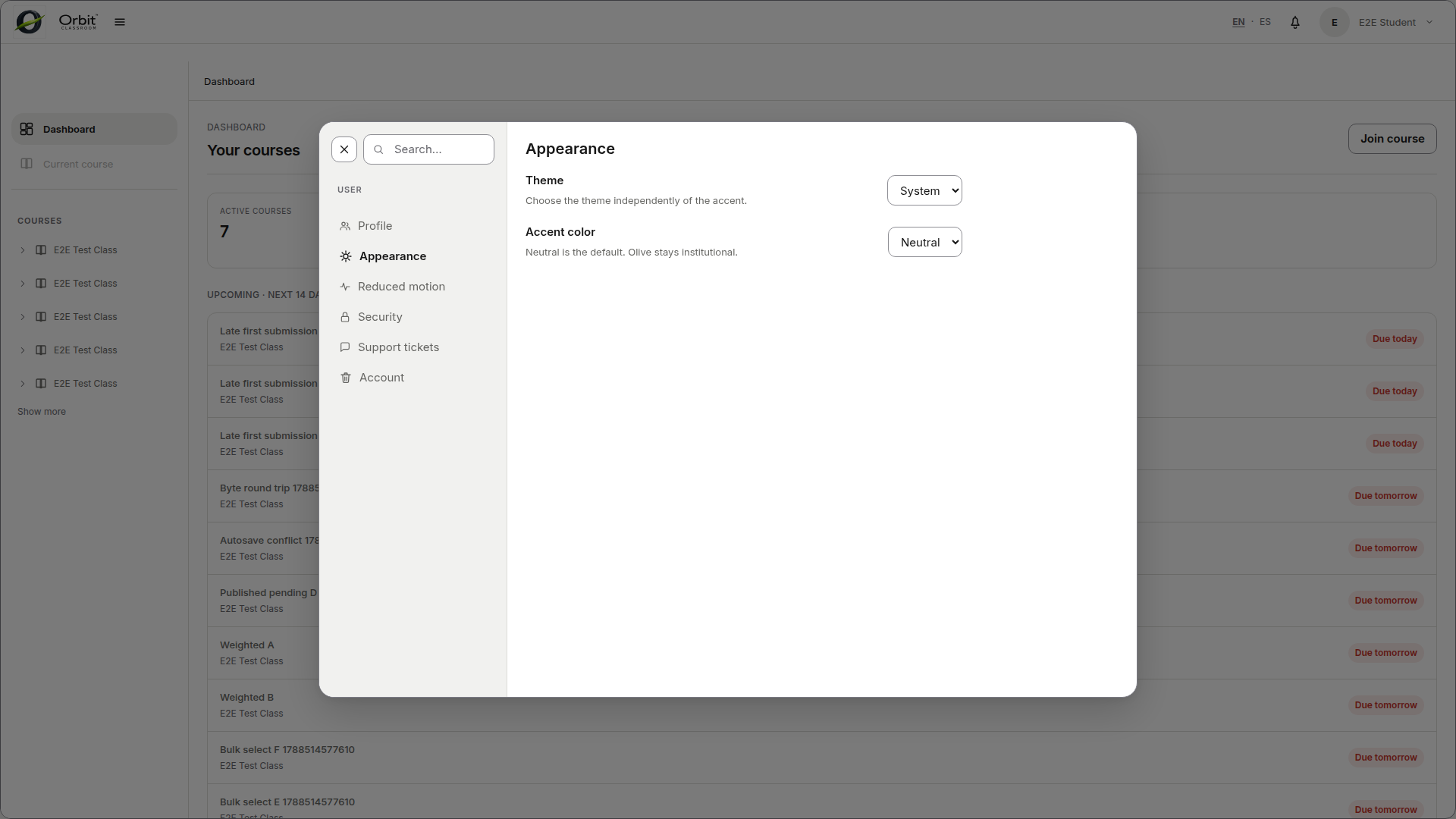
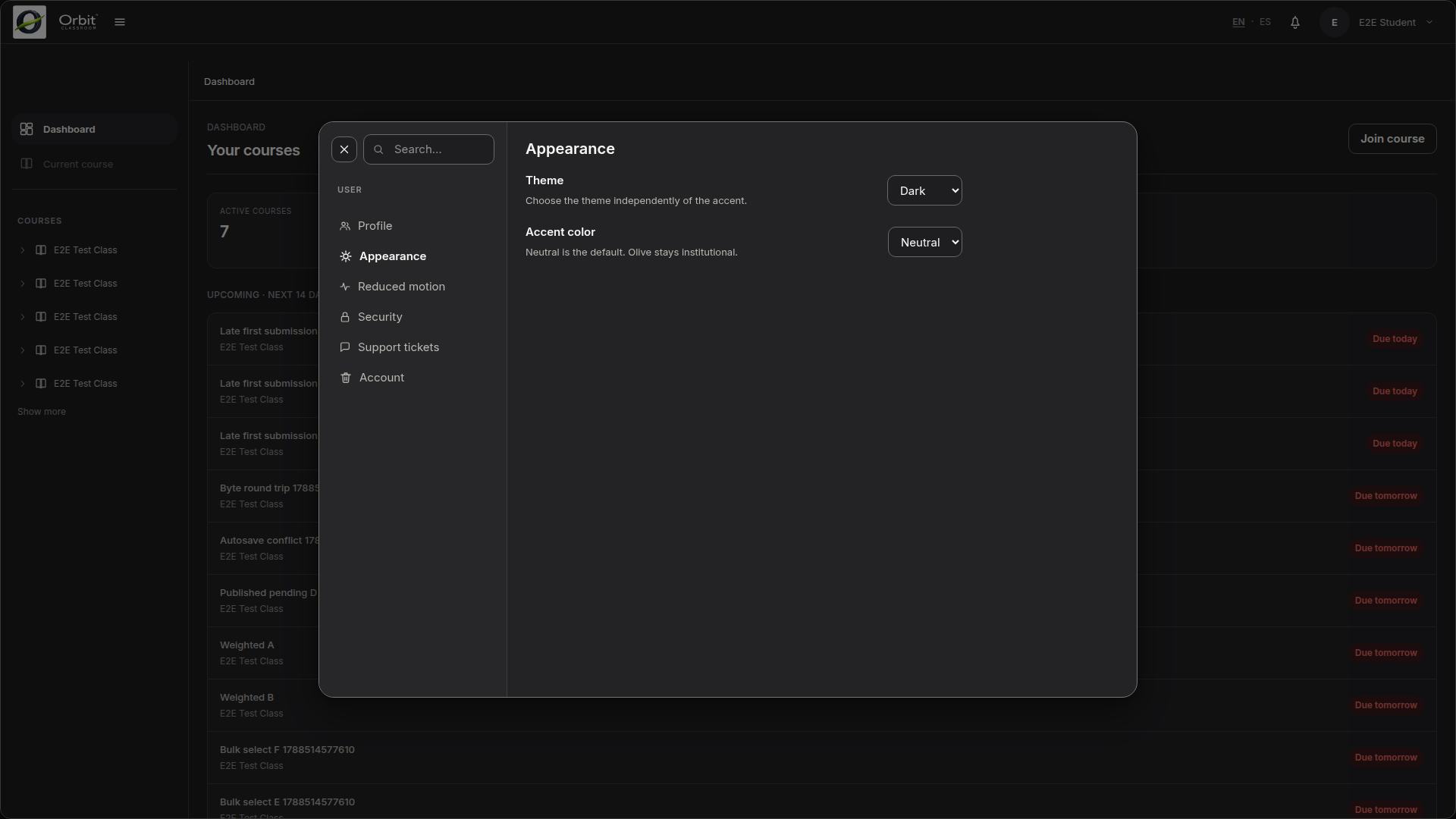
Appearance selects System, Light, or Dark mode.
Reduced motion limits non-essential animation.
Support tickets#
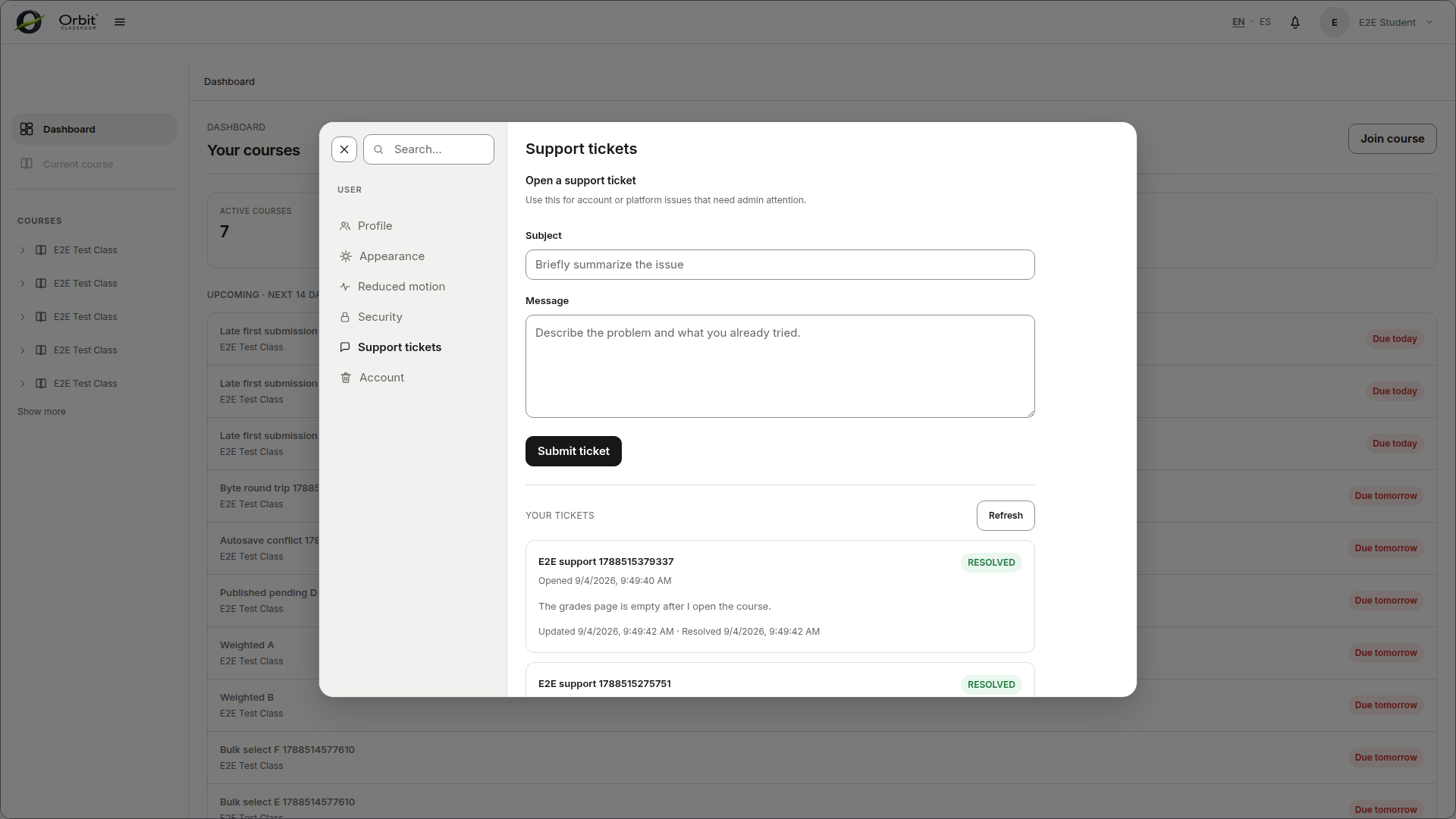
Students and teachers can create a support ticket and review their own ticket statuses. Administrators manage the shared support queue from System settings.